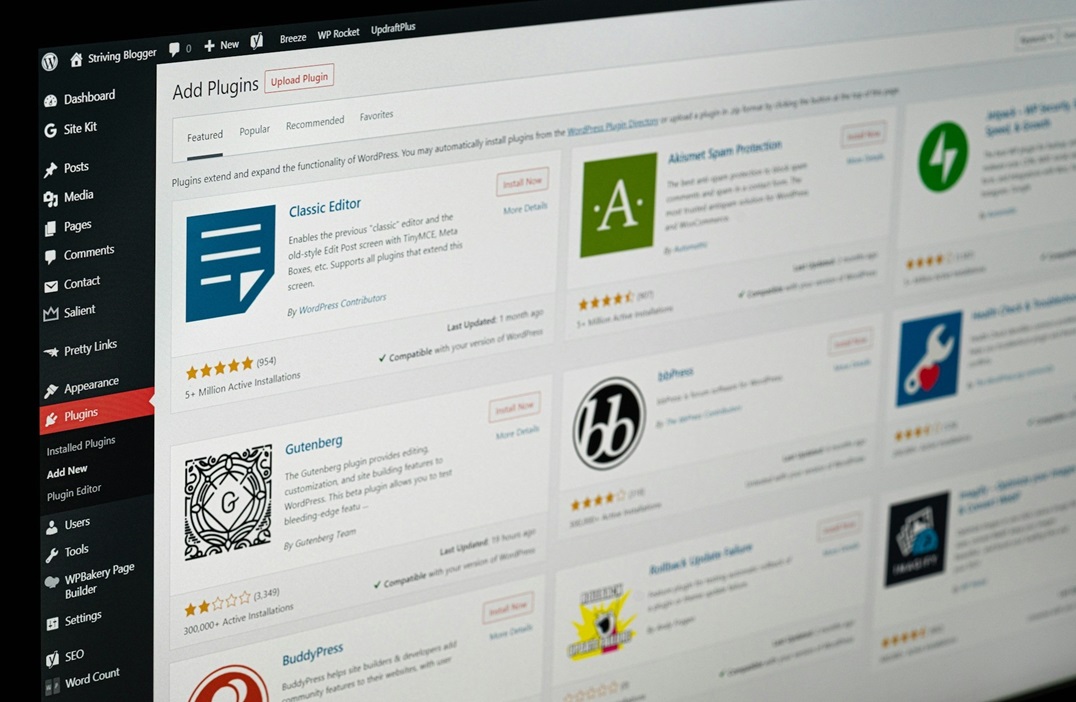
When you have a WordPress website or online store, one of the critical aspects of its operation is the plugins it uses. If these plugins don’t meet certain quality standards, your website will be compromised on several levels: security, functionality, and performance. This can negatively impact SEO and the overall functionality of the website or online store. In this article, I’ll share some tips for choosing good WordPress plugins:
WordPress Directory
The first (and most important) tip is to ensure the plugin is listed in the WordPress directory. This allows you to view relevant information about the plugin, such as the number of installations, ratings, and last update date. Generally, plugins that are not transparent or of low quality avoid appearing on the WordPress platform to hide this information. If we see that a website is not available on the WordPress platform itself and we have to go to an external website to install it or view its ratings, that’s a warning sign that the plugin is unreliable or has something to hide.
There are also cases of companies that initially appear on WordPress but after a few years abandon the platform and offer it externally. For example, this happened to me with the OptimizePress plugin and template, which initially appeared in the WordPress directory but, after a few years, left the platform and was offered externally. The reason was that, with each version, they promised lifetime access or support, but after about 5 or 10 years, they would discontinue the plugin, release another version, and users would have to pay again.
Number of Installations
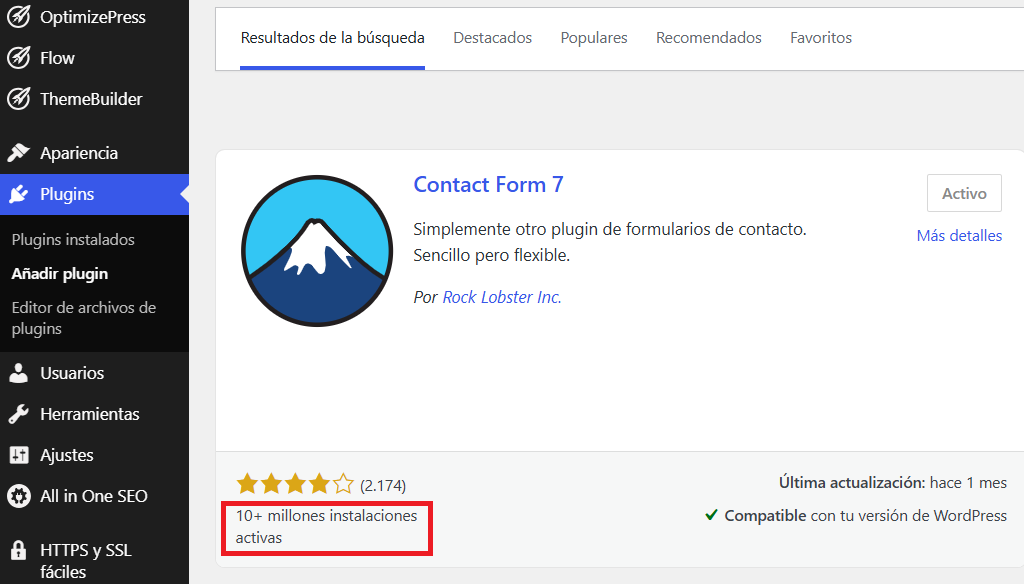
The next indicator we should look at is the number of installations. The more people who have used a plugin, the larger its community will be, which can be synonymous with more active and efficient technical support and more visible ratings. While there isn’t a minimum recommended number of installations, I recommend only choosing plugins with more than 100,000 installations (more than a million is even better).
Last Update
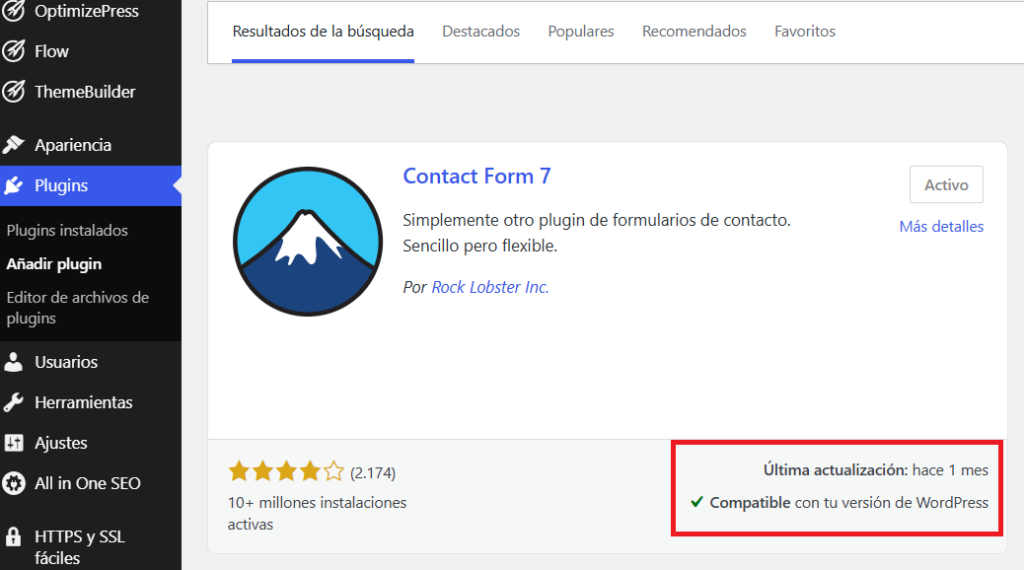
Another relevant indicator is the date of the last update, which indicates the plugin’s level of support and the frequency of its updates. A plugin that hasn’t been updated in a while might be a sign that it’s abandoned or that it may have compatibility issues with the latest versions of WordPress. An effective way to evaluate this is to only choose plugins that have received an update in the last two months. It’s important to note that, along with this indicator, a message will appear indicating whether the plugin is compatible with your WordPress version.
Rating
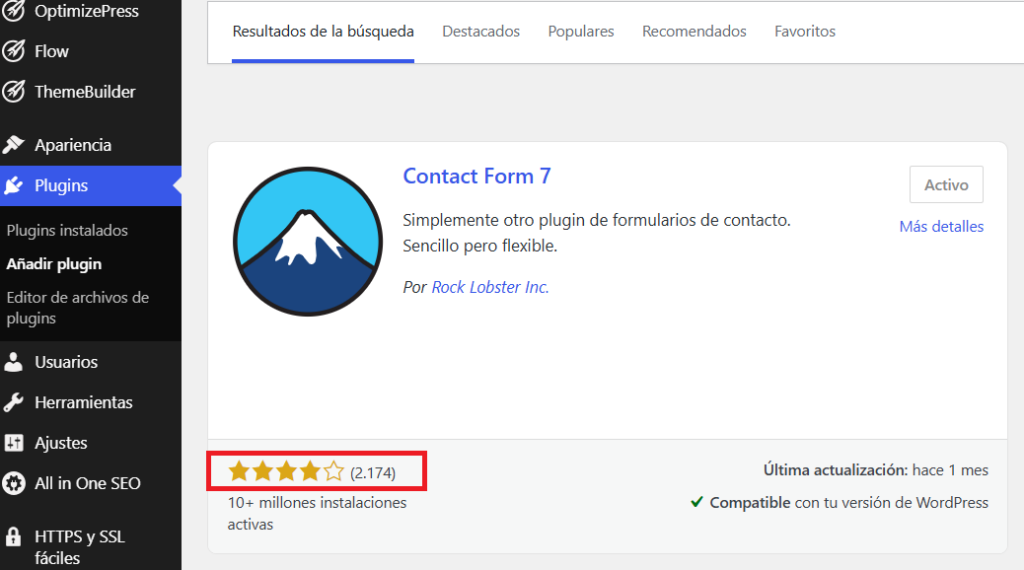
While the plugin’s rating is important, it’s crucial to understand that it’s proportional to the number of installations and the plugin’s popularity: more installations mean higher ratings. While there’s no ideal star rating, a plugin with 4 stars or more is generally considered suitable.
Transparent monetization system
As discussed in our previous article, it’s essential to verify that the plugin has a coherent monetization system (explaining how it generates revenue and sustains itself). For example, many plugins offer both a free and a paid plan, which makes sense, as the free version typically has fewer features than the paid version (and also serves as a promotional tool). However, a plugin that is only free (and doesn’t have a paid version) can be dangerous because it may monetize in other ways (displaying ads, extracting or selling personal data, etc.).
Company Behind the Plugin
Another factor to consider is the company behind the plugin. For example, you can check which country it’s based in and what other WordPress projects it has completed. If the company has experience with WordPress, then the plugin is likely to be of a certain quality. It’s always better for plugins to be developed by companies, as they adhere to certain quality and security standards. Personally, I don’t recommend installing plugins from individuals, as support is limited, security issues are more frequent, and they tend to cause more conflicts with other plugins. Can an individual create good plugins? The answer is yes, but you need to do additional research on that person, and often that information isn’t on their WordPress profile (what they do, projects, career, personal reputation, etc.).
It’s important to keep in mind that reputable, established companies have official WordPress plugins that are very poor. An example of this is the official Meta Ads plugin for WordPress to install conversion pixels, which is very bad; however, there are other plugins (not from Meta and developed by other companies) that are of better quality and perform this task better, since they specialize 100% in WordPress plugins.
Creation of internal pages and sections
One factor to consider is how the plugin works. For example, if instead of using the “normal” WordPress pages or posts, the plugin creates its own internal pages (which don’t appear within the WordPress pages or posts), this is a red flag, as these pages could disappear if the plugin fails. This often happens with plugins that create dynamic or automatic pages, such as multi-language plugins.
Number of installed plugins
Finally, we must keep in mind that while we can install as many plugins as we want, there is a recommended maximum number for a website. Too many plugins consume excessive resources and increase the likelihood of website malfunctions due to plugin incompatibility (especially when a new version of WordPress or the theme is released).
It is recommended to install no more than 10 or 15 plugins. If we see that a website or online store has an excessive number of plugins (e.g., more than 30), it’s a red flag that it has serious security and performance vulnerabilities.
What are your thoughts on this? Do you know any other tips for choosing good WordPress plugins?
If you need help with the SEO of your website or online store, you can contact me by visiting the following link.
Image by Justin Morgan via Unsplash.com under a Creative Commons license.